GitMeter Support
Contact support, get help with billing, and review the browser extension setup guide.
Support Email
Contact us at support@gitmeter.com. We use this address for product, billing, and account support.
Also works on Edge, Brave, Arc and all Chromium browsers.
What It Does
One-Click Save
Click 'Save to GitMeter' to add any repo to your personal library.
One-Click Submit
Submit great projects to the GitMeter community for discovery.
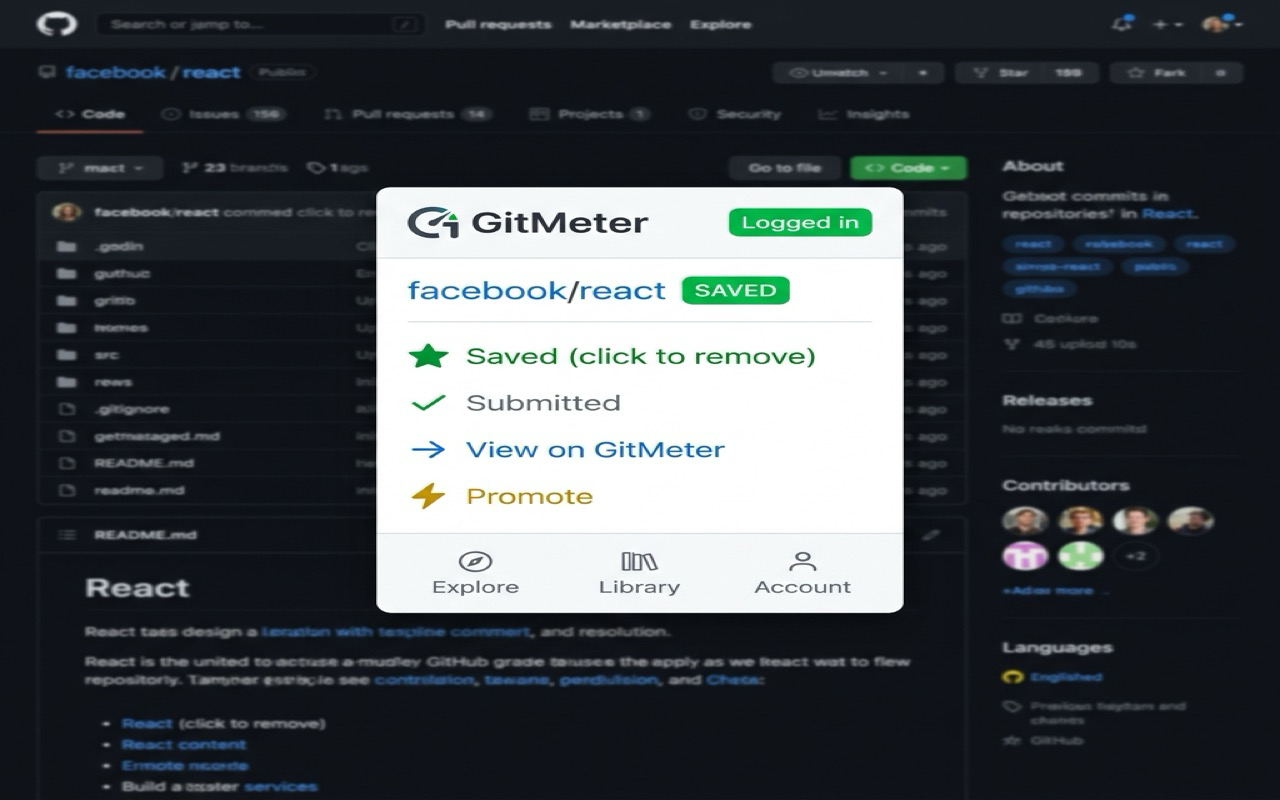
Popup Dashboard
Check repo status, jump to your library, or explore trending projects.
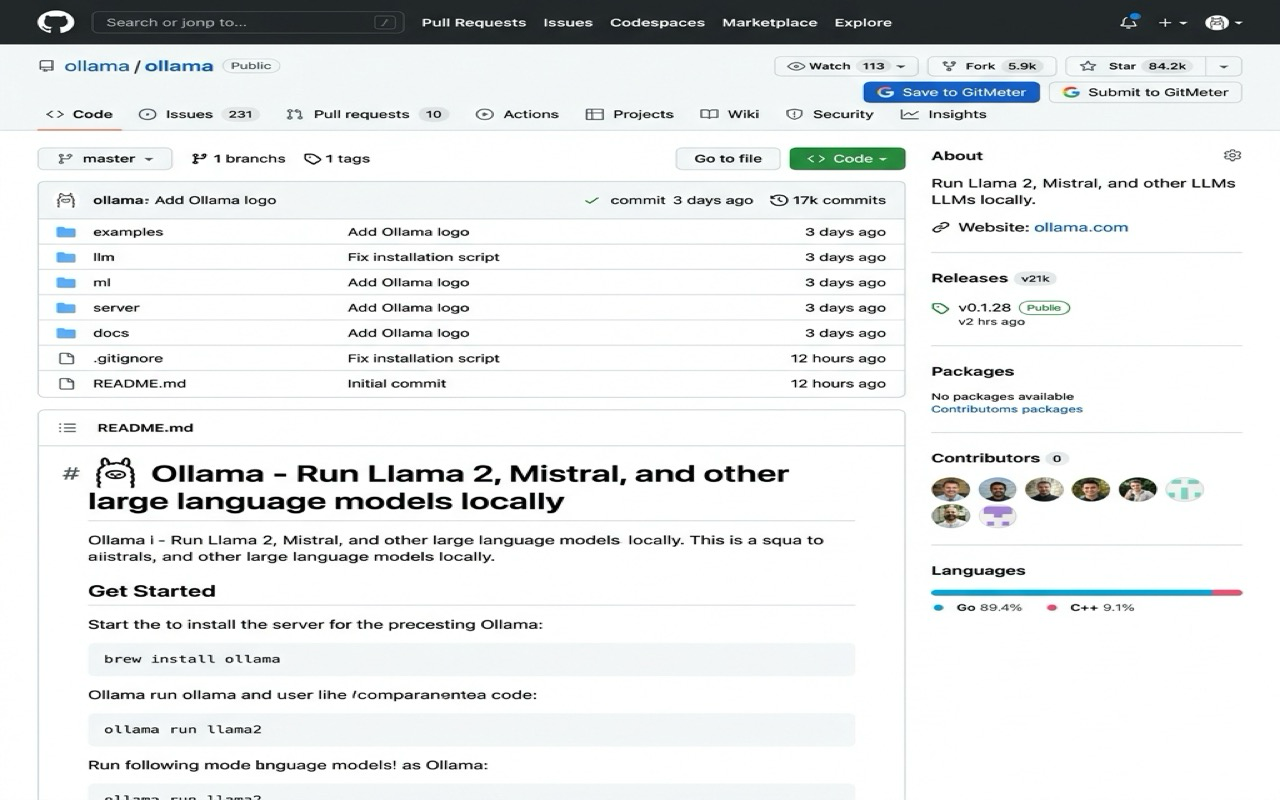
Buttons on GitHub
The extension adds "Save to GitMeter" and "Submit to GitMeter" buttons right next to GitHub's Star/Fork/Watch buttons.
Extension Popup
Click the GitMeter icon in your toolbar to see the full popup panel with all actions and quick navigation.
Getting Started
- 1Install the extension from Chrome Web Store
- 2Visit any GitHub repository (e.g. github.com/facebook/react)
- 3You'll see GitMeter buttons in the repo header
- 4Click to save or submit — that's it!
Login
Uses your GitMeter account (GitHub OAuth). If not logged in:
- 1Click "Login to GitMeter" on the page or in the popup
- 2Sign in with GitHub on gitmeter.com
- 3Return to GitHub — buttons are ready
Troubleshooting
Privacy
The extension only reads the current GitHub page URL. No browsing history, personal data, or cookies are collected. Read our Privacy Policy →
Feedback
Found a bug or have a suggestion?